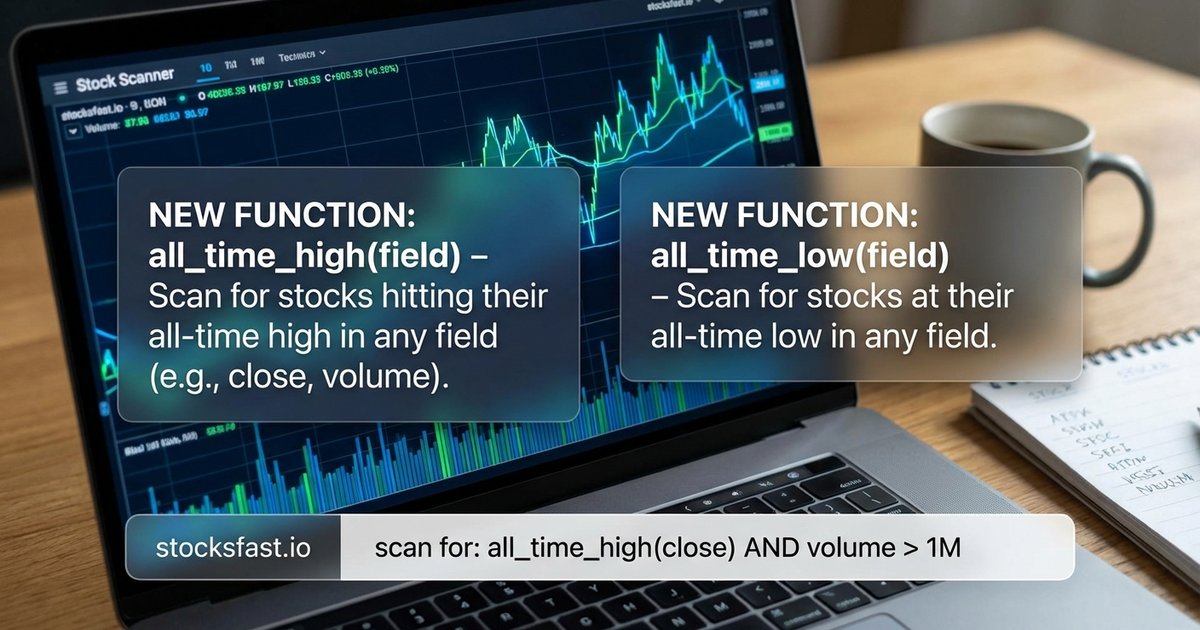
We've added two new functions to StonQL: all_time_high() and all_time_low(). They do exactly what the names suggest - track the highest and lowest values a stock has ever reached.
What They Do
all_time_high(field) returns the maximum value of any field from the first trading day to the current bar. all_time_low(field) does the opposite - the minimum value across the entire history.
Simple syntax:
all_time_high(high);    // Highest price ever
all_time_low(low);      // Lowest price ever
Finding Stocks Near All-Time Highs
Stocks making new highs or trading near them tend to continue higher. Here's a scan for stocks within 5% of their all-time high:
volume * close > 10M;
close > all_time_high(high) * 0.95;
For actual breakouts - stocks making new all-time highs today:
volume * close > 10M;
high > all_time_high(high)[1];
Add volume confirmation to filter out weak breakouts:
volume * close > 10M;
high > all_time_high(high)[1];
volume > sma(volume, 20) * 1.5;
Finding Stocks Near All-Time Lows
Contrarian traders look for beaten-down stocks showing signs of life. Or maybe you think "low can always go lower". Stocks within 10% of their all-time low:
volume * close > 10M;
close < all_time_low(low) * 1.10;
Near all-time low but showing reversal - oversold RSI starting to turn:
volume * close > 10M;
close < all_time_low(low) * 1.05;
rsi(close, 14) < 30;
close > open;
New All-Time High Close
You don't have to limit yourself to just high or low fields. You can also use close if you only care about a closing basis.
// new all-time high close
close > all_time_high(close)[1];

// alternative implementation:
close == all_time_high(close);
All-Time High Volume
Just like price fields, you can also use the volume field in your filters.
Find stocks with the highest-ever daily volume:
volume == all_time_high(volume);Historical Range Position
Combine both functions to see where a stock sits in its entire price history. This scan finds stocks in the upper 20% of their historical range:
volume * close > 10M;
ath = all_time_high(high);
atl = all_time_low(low);
position = (close - atl) / (ath - atl);
position > 0.80;
The lower 20% - potentially oversold relative to history:
volume * close > 10M;
ath = all_time_high(high);
atl = all_time_low(low);
position = (close - atl) / (ath - atl);
position < 0.20;
Distance from Extremes
Find stocks that have pulled back significantly from highs - useful for catching retracements:
volume * close > 10M;
ath = all_time_high(high);
(close - ath) / ath < -0.20;  // 20%+ below ATH
Or stocks that have recovered substantially from their lows:
volume * close > 10M;
close > all_time_low(low) * 2.0;  // Doubled from ATL
Combining with Momentum
ATH breakout with momentum confirmation:
volume * close > 10M;
high > all_time_high(high);
rsi(close, 14) > 60;
macd_histogram(close, 12, 26, 9) > 0;
Cross-Timeframe Analysis
Both functions work inside mtf() blocks. Weekly all-time high for catching false breakout above weekly all-time high:
// weekly all-time high as of prior weekly bar
weekly_ath = mtf("1W") { all_time_high(high)[1]; };

// daily timeframe:  false break above, close red
high > weekly_ath and close < weekly_ath and close < open;
Technical Notes
These functions require full price history - they look back to the very first trading day for each stock scanned.
The values are monotonic: all_time_high() never decreases over time, and all_time_low() never increases.
Available now in the scanner.